
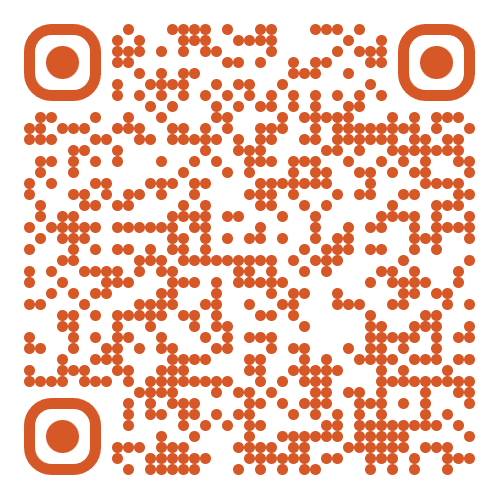
iPhone / iPad
Scan the QR code or tap below to download from the App Store.
Download for iPhoneSecurity
Download the app and complete your Microsoft 365 two-factor authentication setup.
Step 1
Scan the QR code or tap below to download from the App Store.
Download for iPhone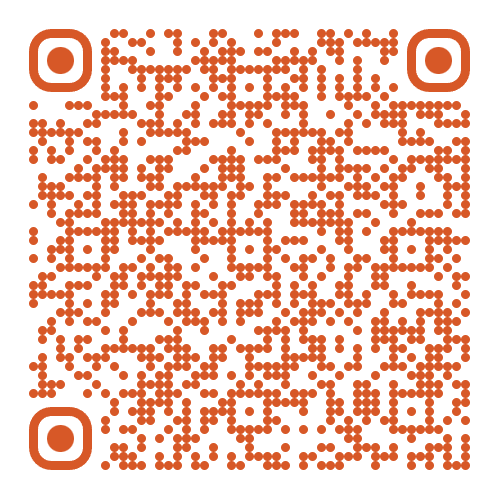
Scan the QR code or tap below to download from Google Play.
Download for Android
Step 2
Once the app is installed, scan the QR code or use the button below to complete your two-factor authentication setup.
Contact our support team if you have any issues with setup.